Playbooks
A playbook is your organization's set of positions for a review. This page shows what a playbook is, where its rules come from, how you decide them, and how every review is graded against them.
What a playbook is
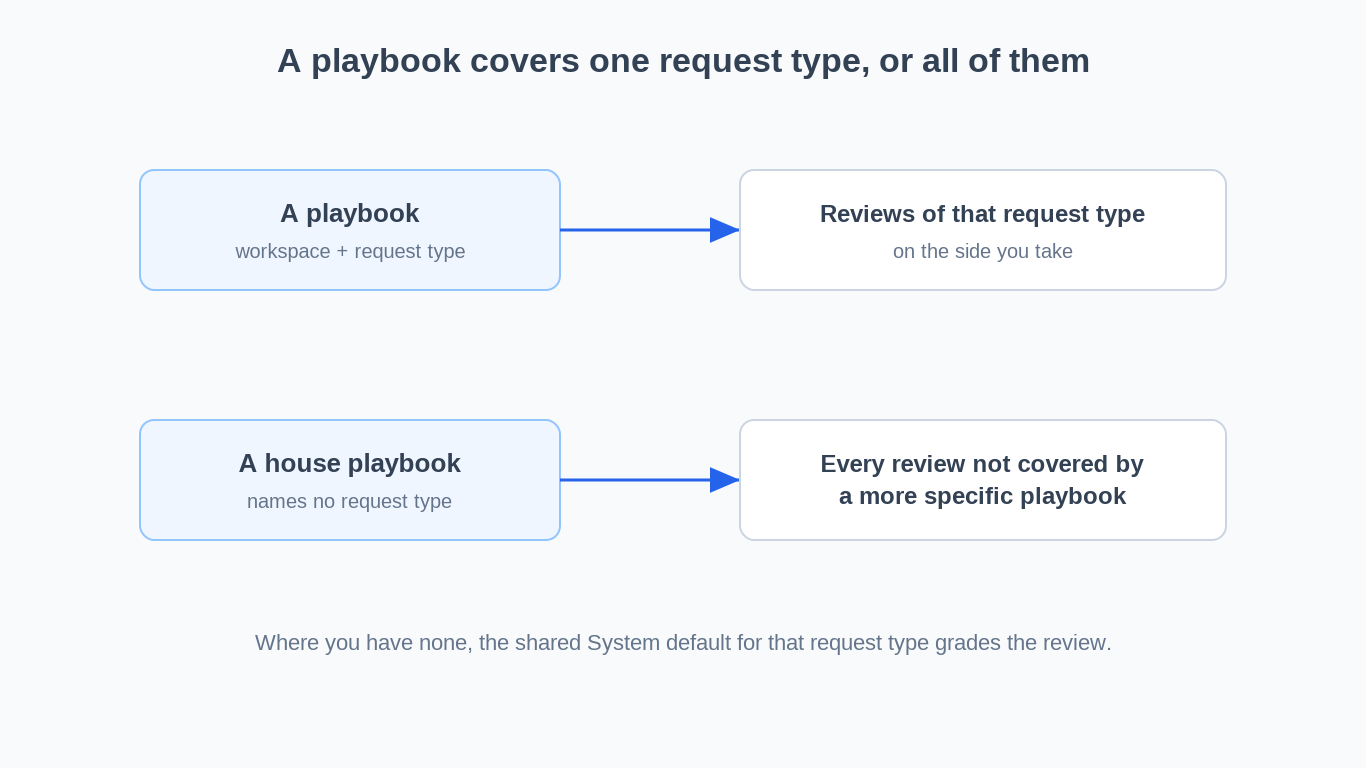
Each playbook names a workspace and a request type, so it applies to reviews of that request type. A playbook that names none grades every review. Until you build your own, the Scriptoscope baseline grades every review from day one.
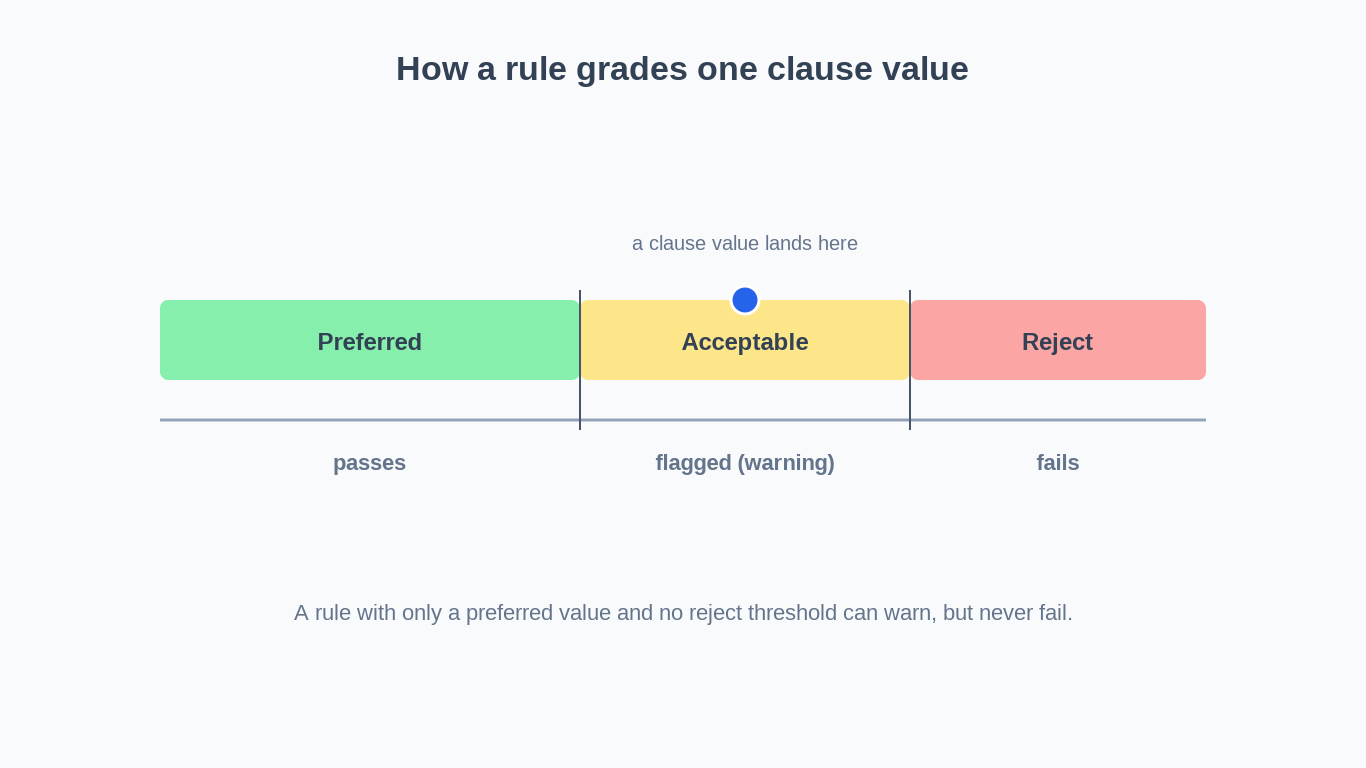
A rule inside a playbook is a clause type, a parameter and three thresholds. Preferred is what you want, Acceptable is what you can live with, and Reject is where a review raises a failure. Every rule carries a Source, so you can always see where it came from.
Where the rules come from
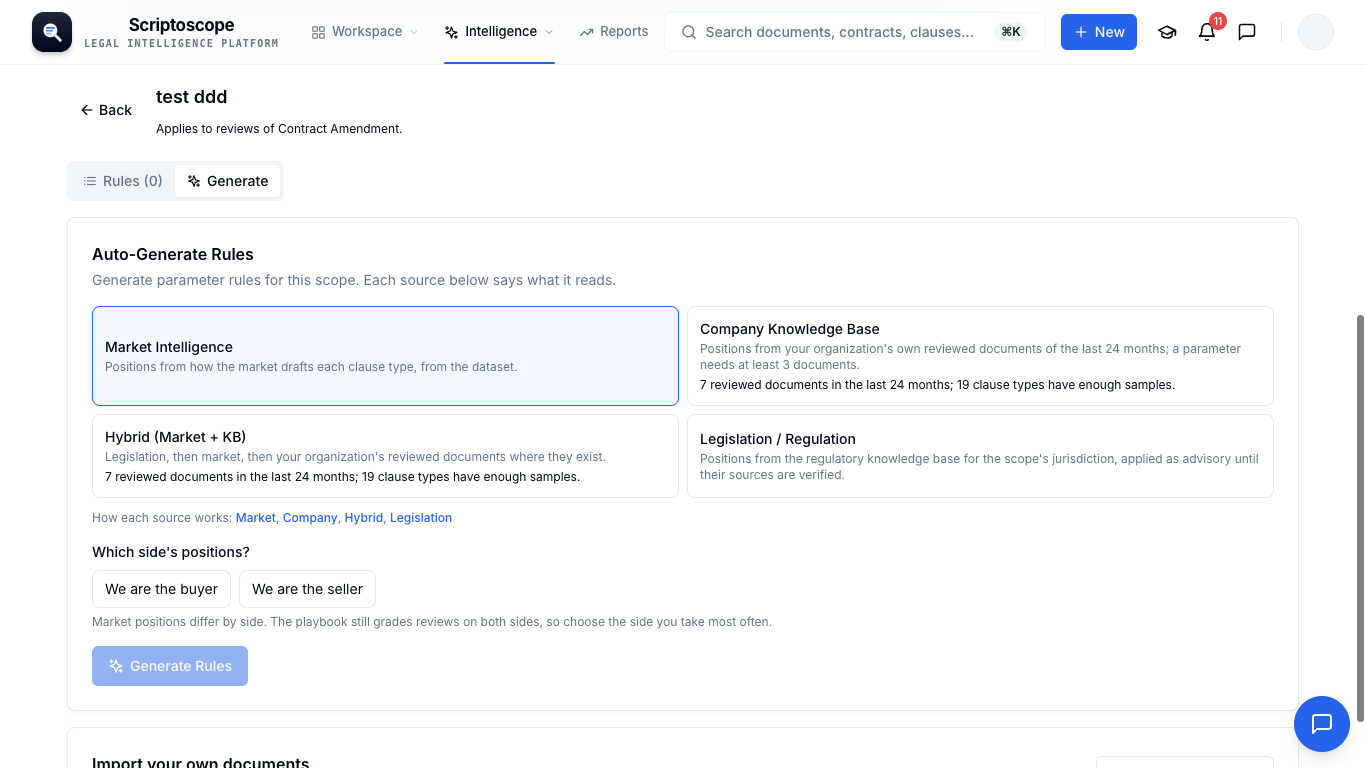
Rules come from data you choose, or from your own files. On the Generate tab you pick a source and the side, and Scriptoscope proposes rules from it.
Market Intelligence
How the market drafts each clause type, from the dataset of public filings.
Company Knowledge Base
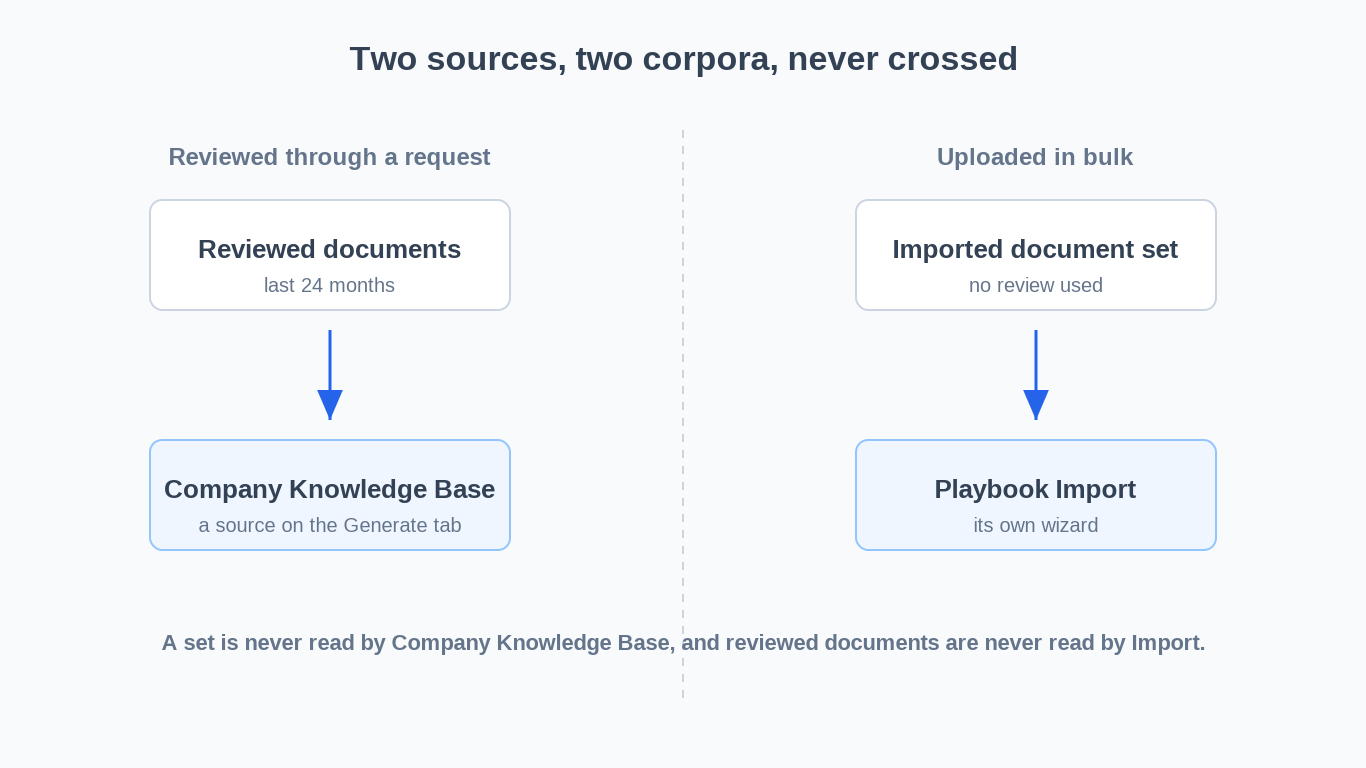
The documents your organization has already reviewed in the last 24 months. A parameter needs at least three reviewed documents.
Hybrid
Legislation first, then the market, then your own documents where they exist.
Legislation / Regulation
The regulatory knowledge base for the playbook's jurisdiction, advisory until its sources are verified.
Or import a folder of your own documents in bulk, without a review, as a document set. Imported sets build rules from their own matches and are never blended with your reviewed documents.
Generate Rules is in Beta.
Suggested rules, your decision
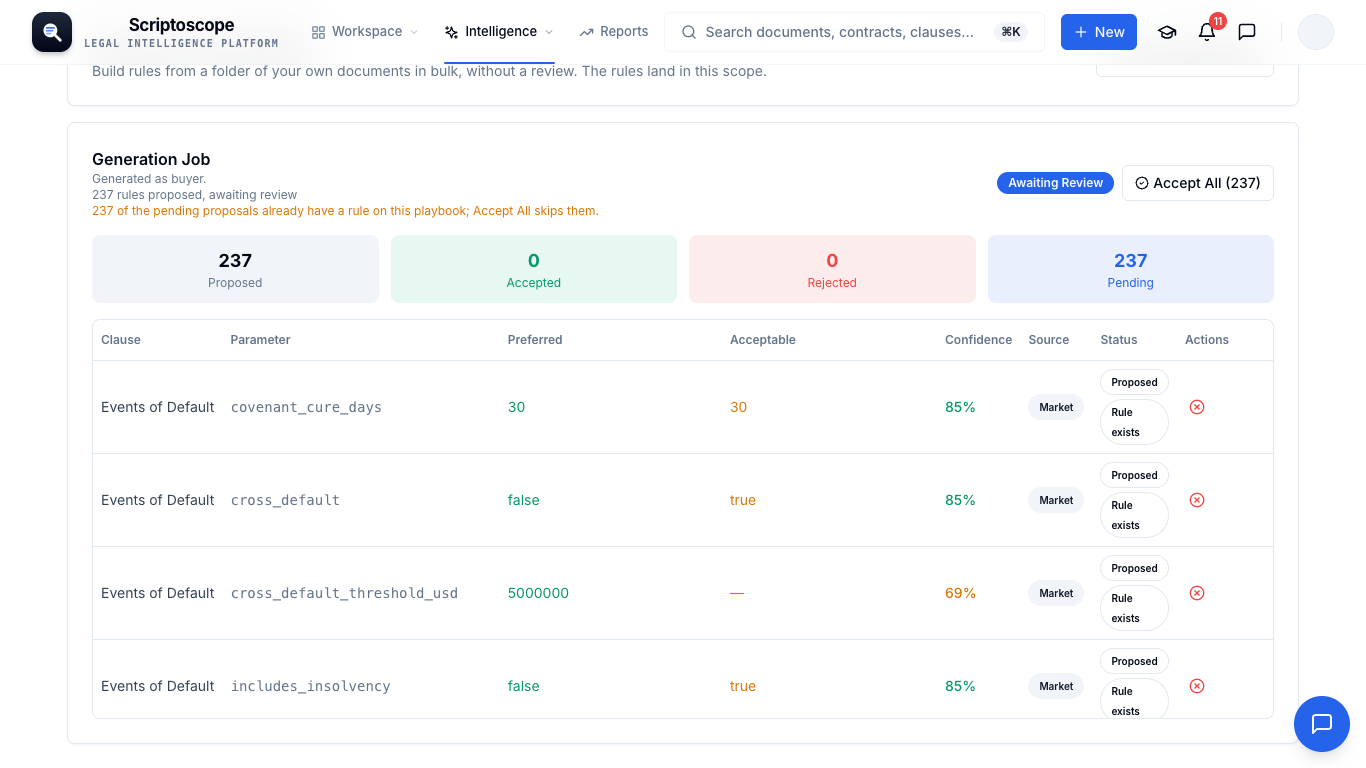
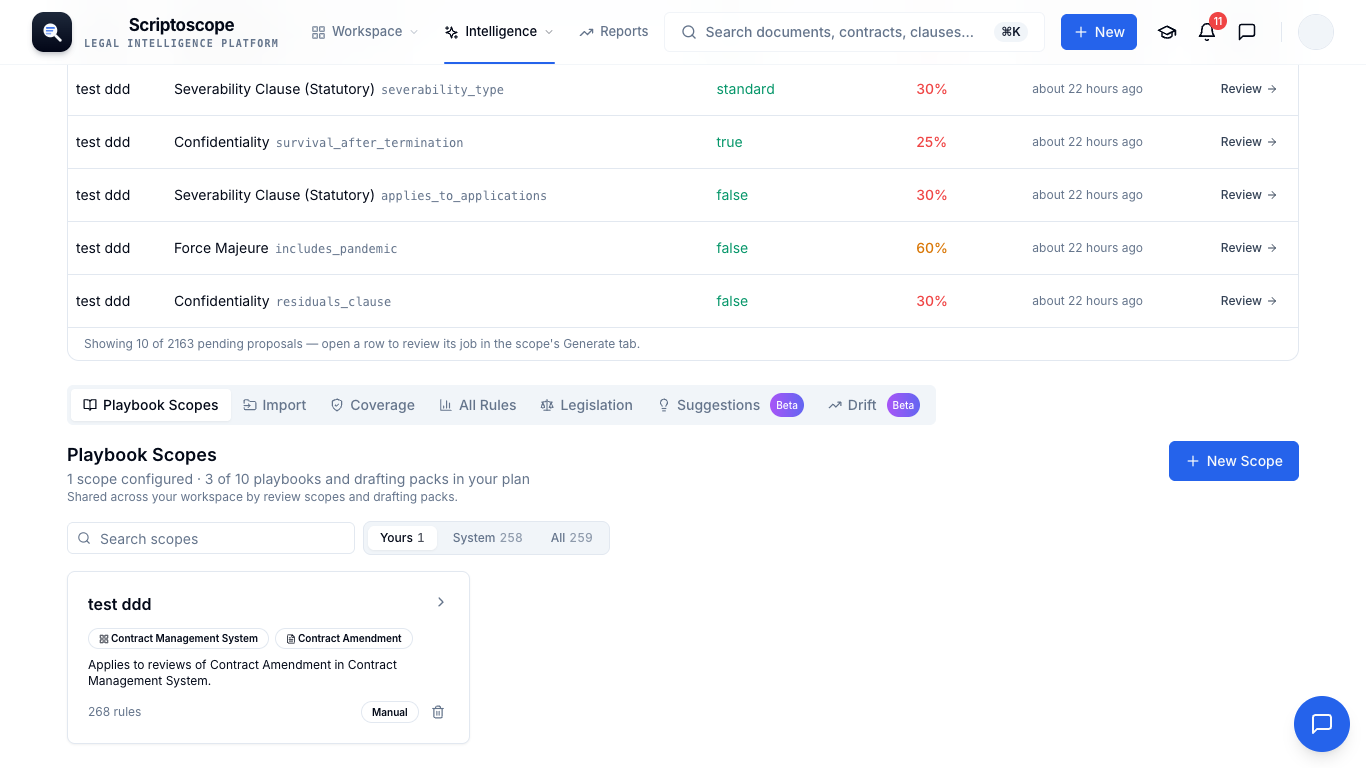
Nothing becomes a rule until you accept it. A run produces suggested rules that wait under the job card and in the review queue. Accept the ones you agree with, reject the rest, or Accept All in one transaction. One job runs per playbook at a time. You decide every position the platform grades against.
In every review
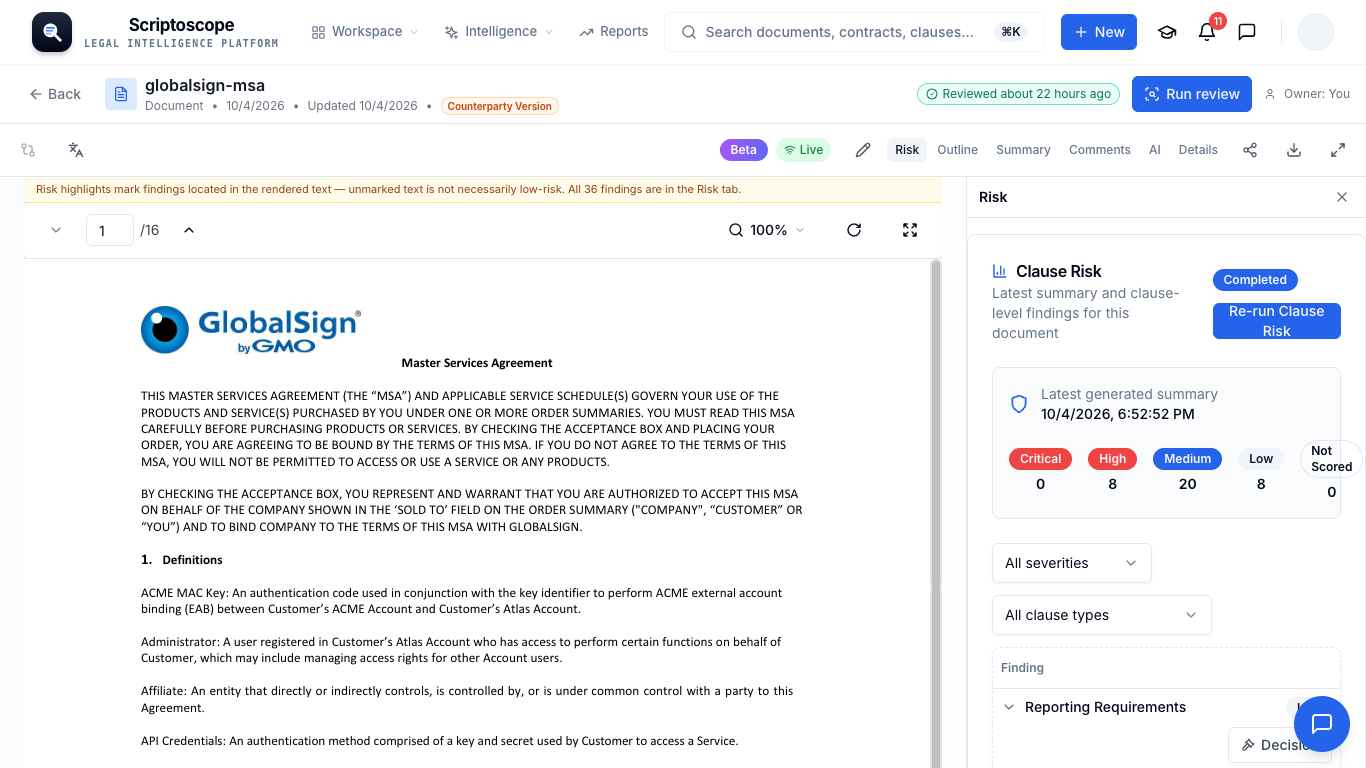
Every review is graded against the rules that apply. A clause inside your Preferred position passes, inside Acceptable is flagged, and beyond Reject fails. The findings sit in the Review Room, each naming the parameter and the value behind it. Where market data exists, the review also shows how common the clause type is across contracts.
The Scriptoscope baseline
The Scriptoscope baseline is a shared set of market and legislation grounded positions for buyer and seller, kept by Scriptoscope. It grades every review of a request type your own playbooks do not cover. It is read only, and your own playbooks take precedence wherever they exist.
Keep it current
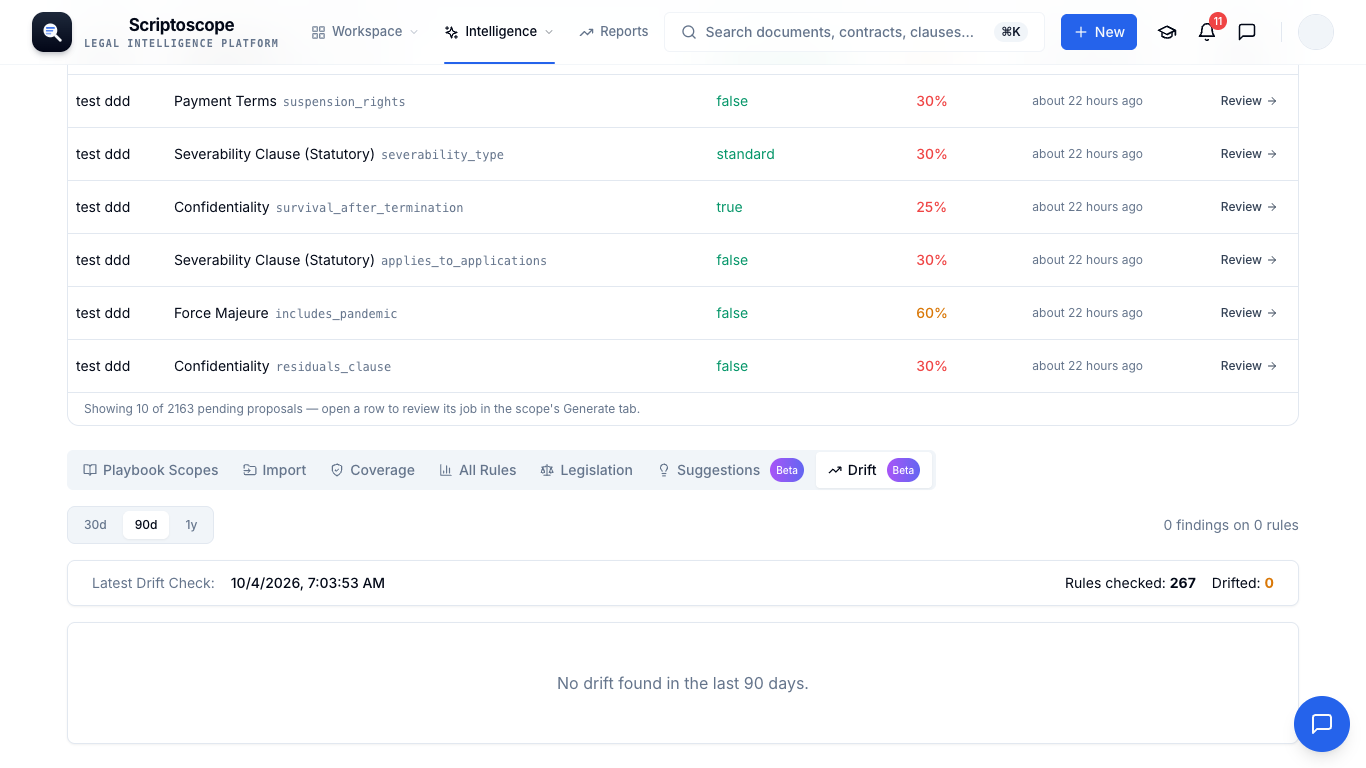
Drift detection tells you when the market has moved away from a rule, and suggests an update you can accept or dismiss. Generate Rules and drift detection are in Beta.
Start here
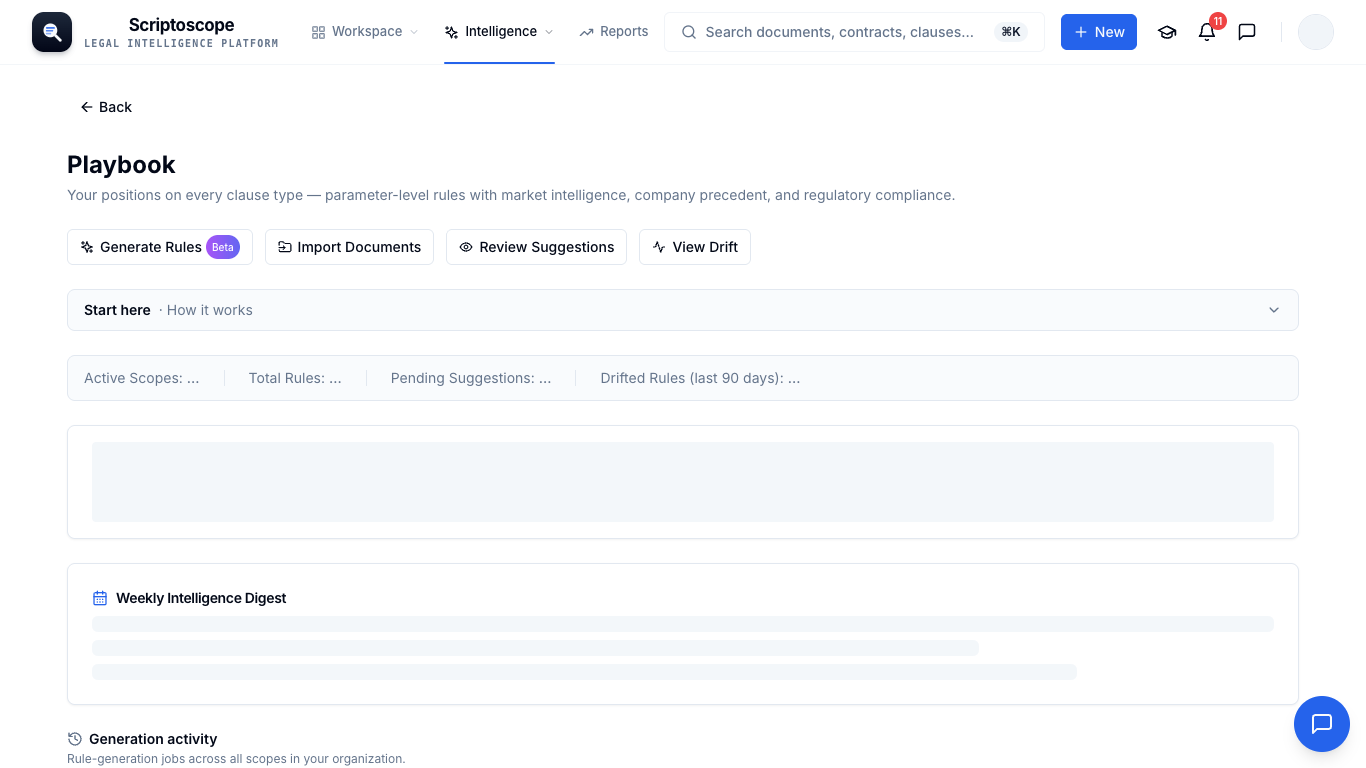
Inside the product, the Playbook hub is one page with four actions: Generate Rules, Import Documents, Review Suggestions and View Drift, with counters for active scopes, total rules, pending suggestions and drifted rules. A Start-here strip points you at the first step.
The same guides you see on this page are in the app's Learn page after you sign in.
See It in Action
Schedule a demo to see how a playbook is built from data you choose and grades every review against the positions you accepted.